RetroAchievements
Rediscover familiar challenges with RetroAchievements support.
A NEW CHAPTER FOR YOUR SATURN GAMES
Old favorites. New discoveries. Meet erings, a Sega Saturn emulator made for the joy of playing.
WINDOWS / macOS / LINUX

A familiar universe. A fresh way to play.
PICK A GAME. SETTLE IN.
Browse your collection, grab a controller, and go full screen. erings puts your games at the center of the experience.
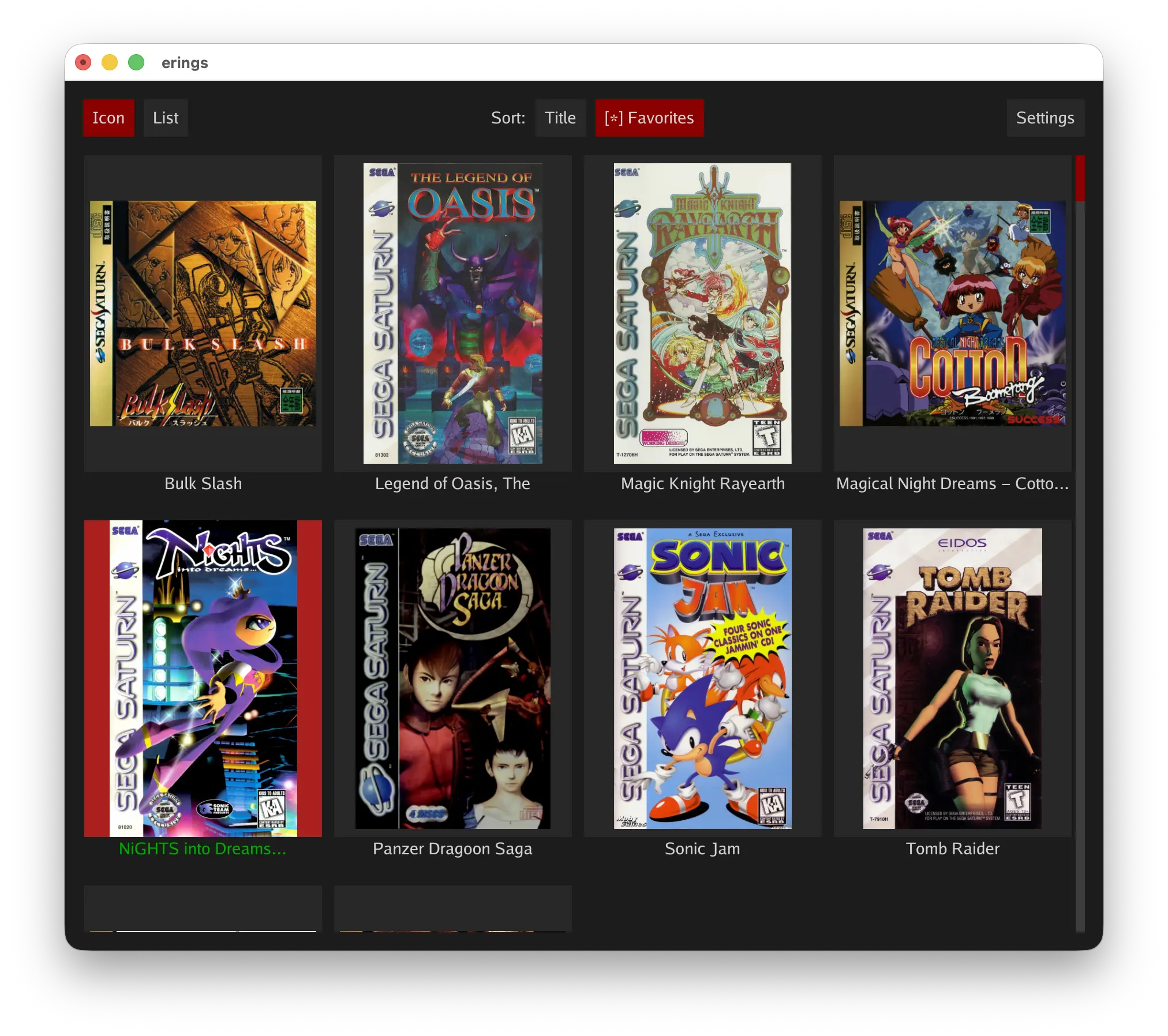
CLASSIC GAMES. MODERN COMFORTS
Rediscover familiar challenges with RetroAchievements support.
Increase the internal rendering resolution for sharper visuals in your Saturn favorites. Try 2x for a balance of added clarity and classic Saturn character.
Custom rumble brings new feedback to supported Saturn games, with patterns and intensity tuned to the action. Read about rumble
MPEG video card support brings enhanced video to games that support this optional Saturn hardware.
THERE’S MORE TO REDISCOVER
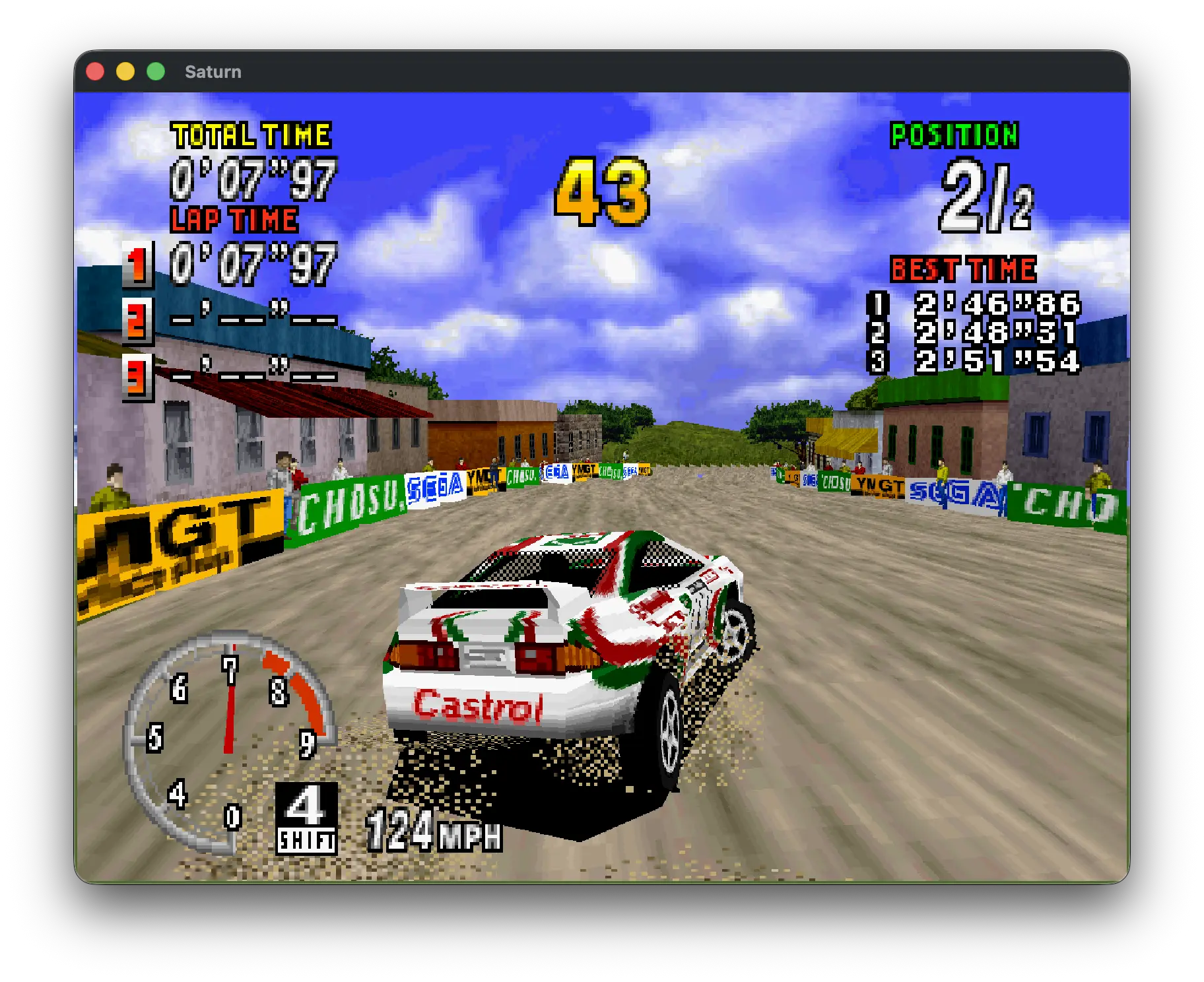
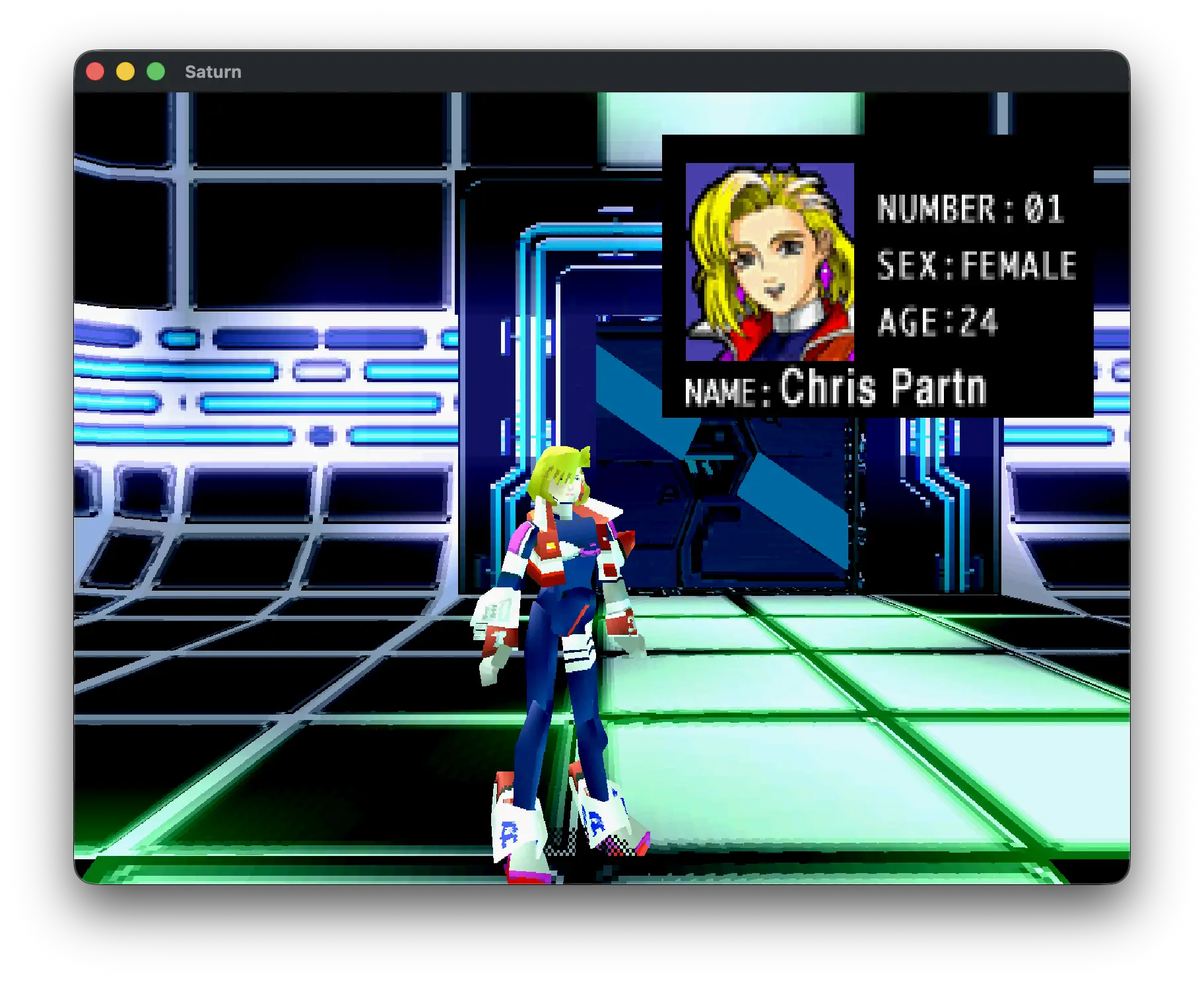
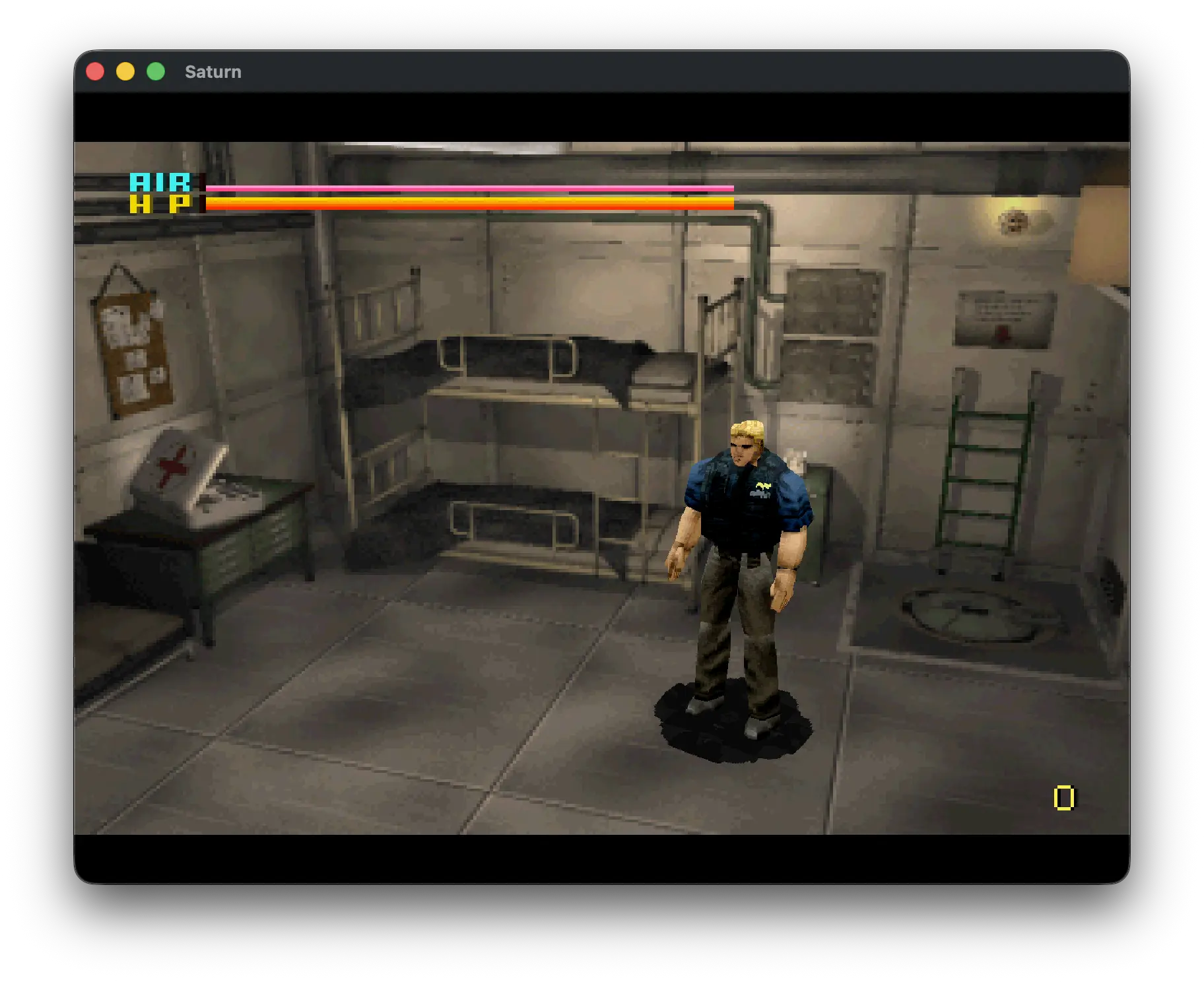
Compatibility varies by game. erings is actively evolving.
Your own Saturn game images in CHD or CUE/BIN format. For CUE images, the tracks must use the .bin extension.
No. erings includes an HLE BIOS. You can also use your own USA or Japan Saturn BIOS image. A real BIOS is not included.
On Windows 11 PCs with more than one graphics card (GPU), Windows may choose a different GPU than the one you want erings to use. Set a GPU preference for erings to choose it yourself:
Press ~ to show or hide these counters. FPS measures how fast the emulator is running. Full speed is 60 FPS for NTSC or 50 FPS for PAL. GFPS measures how often the game updates its framebuffer (the image shown on screen). Not all games update every frame. For example, some take two frames per update, giving 30 GFPS at 60 FPS.
Games update the screen at their own pace, so lower GFPS doesn’t necessarily mean the emulator is slowing down. A static loading screen can show 0 GFPS because the game has no new image to draw. Check FPS to see whether emulation is still running at full speed.
Visit GitHub Issues to report bugs and help improve erings. Include the game, your system, and steps to reproduce the issue.